
Get the Wdeck app.
Design your keys, pick pictures and install the firmware, all from one free app. It updates itself when a new version is out.
- 1.1.6version
- 14.3 MBonline installer
- MITfree, open source
Not code-signed yet, so Windows SmartScreen may ask first: choose More info, then Run anyway. What's new in 1.1.6
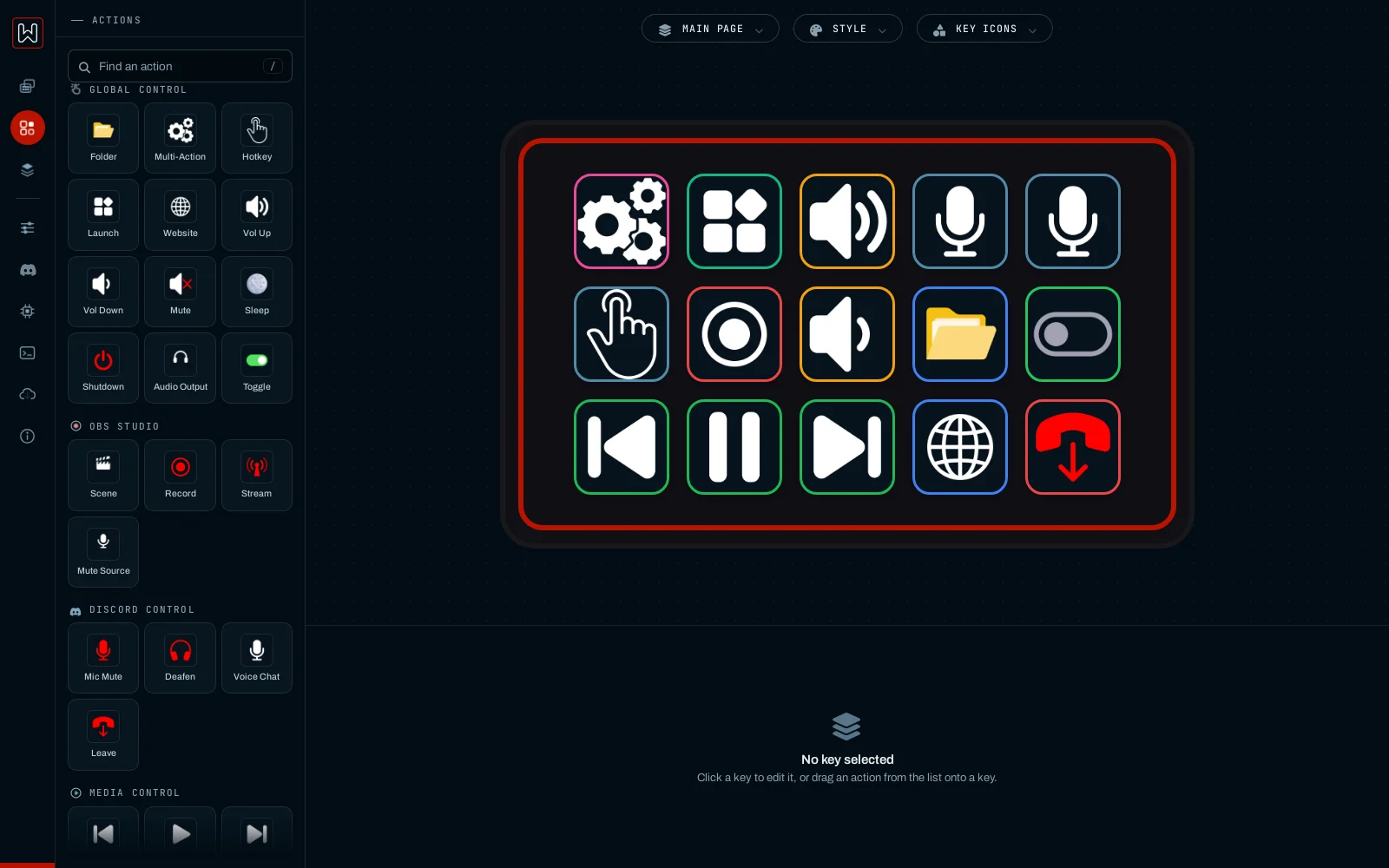
Up and running in three steps.
Run the installer
Open
Wdeck_Setup.exe, pick the folder and press Install. It downloads the latest Wdeck and adds it to the Start menu and, if you like, to the desktop.Plug in your Wdeck
Use a USB data cable. The app finds the deck by itself; a deck with no firmware yet shows up as a plain ESP32.
Install the firmware
In the app open Firmware, pick your display and press one button. Or use the web flasher in Chrome or Edge.
Next: the app guide shows how to set up keys, folders, sound, Discord and OBS.
For the deck and for tinkerers.
Firmware, case and sources. You only need these to build the firmware yourself or print the case; the app covers everything else.
| File | What it is | Size | |
|---|---|---|---|
| Wdeck installerWdeck_Setup.exe · v1.1.6 | Small online installer: downloads the latest Wdeck (about 122.8 MB) and checks it. Pick the folder; no administrator rights needed for your user folder. | 14.3 MB | .exe |
| Offline installerWdeck_Setup_classic.exe | Everything in one file, in a standard Windows setup wizard. For a PC without internet, or when the installer above does not start. | 126.1 MB | .exe |
| Portable appwdeck.zip · v1.1.6 | The same app without installing: unzip and run Wdeck.exe. | 122.3 MB | .zip |
| Web flasherbuilt 2026-10-16 | Installs the firmware from Chrome or Edge, prebuilt for every supported display. | · | Open → |
| Case filesSTL on Printables | Bezel, shell and stand for any FDM printer. | · | Printables |
| Firmware sourcewdeck_firmware.zip · 16 Oct 2026 | The Arduino sketch with build notes, for building it yourself. | 29 KB | .zip |
| Arduino librariesarduino_libs.zip | TFT_eSPI 2.5.43 and AnimatedGIF 2.2.0, for building without internet. | 14.3 MB | .zip |
| App sourcesnapshot · 16 Apr 2026 | Python, Flask and Socket.IO. Older than the current app. | 649 KB | .zip |
What your PC needs.
- SystemWindows 10 or 11, 64-bit
- SpaceAbout 300 MB
- ConnectionOne free USB port and a USB data cable
- InternetOnly for updates and the first firmware build
- macOS, LinuxNo app yet; the web flasher works there
Make sure it is the real file.
Compare the SHA-256 of your file with the one below. In PowerShell, in the folder you downloaded to:
Get-FileHash .\Wdeck_Setup.exe -Algorithm SHA256
44fc7bf93d5a319df684a1751d6837b19f08f72779e240bea39a3a894bcbdacb
Get-FileHash .\wdeck.zip -Algorithm SHA256
f6a251febc52322bd38d159b48e7db09569169cf34a238fe4e424a3cc38c7b9a